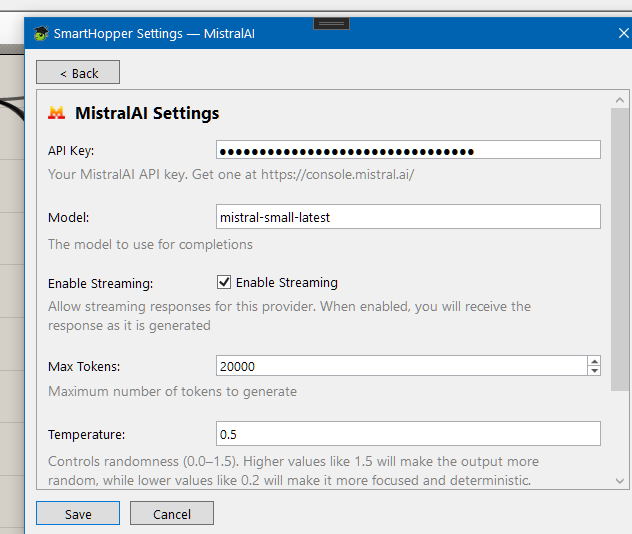
MistralAI
Set up MistralAI as your SmartHopper provider.
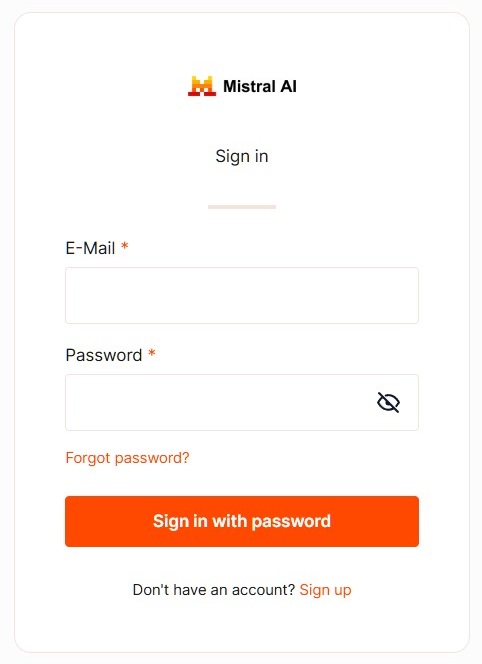
1. Create an account
Visit La Plateforme and create a new account or log in.
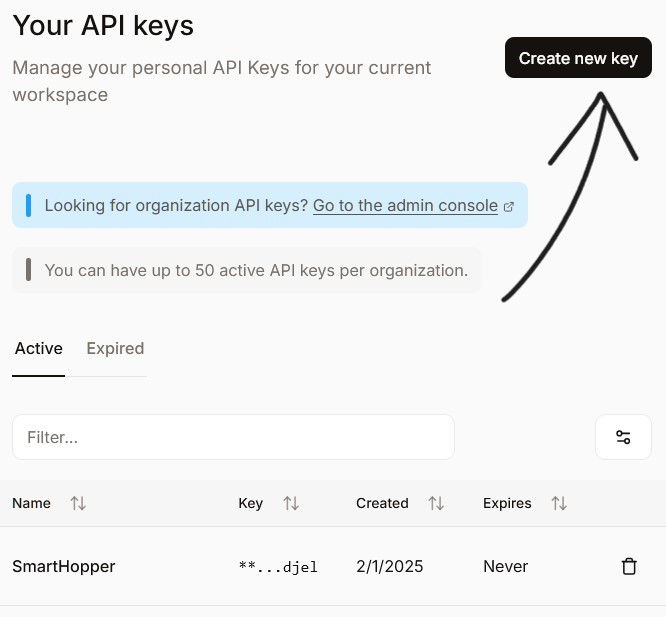
2. Generate an API key
Navigate to API Keys and click Create new key. Make sure you have available tokens in your account.
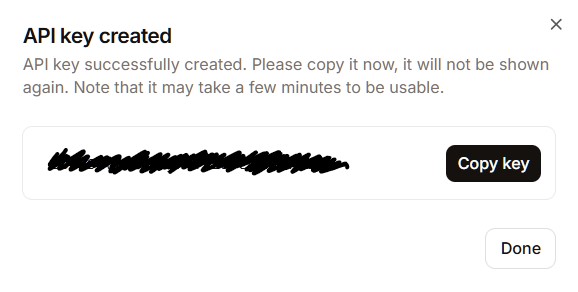
3. Copy the API key
This is the last time you'll be able to copy this key — store it somewhere safe.
4. Open SmartHopper settings
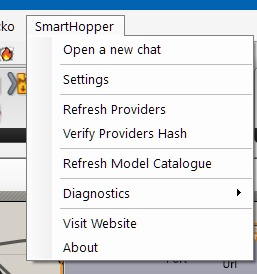
In the Grasshopper menu bar, click SmartHopper → Settings.
5. Set MistralAI as your default provider
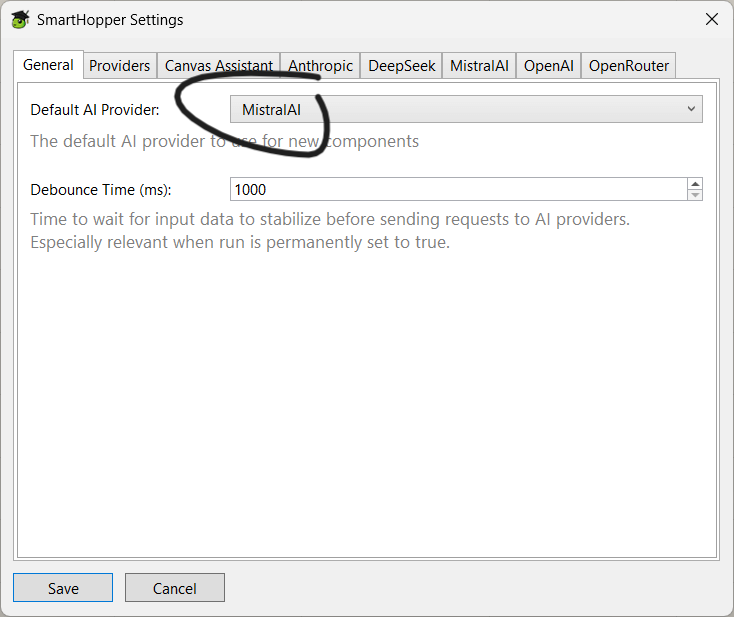
Under the General tab, select MistralAI in the default provider dropdown.
6. Enter your API key
Click the MistralAI tile on the General tab and paste the API key you copied.