Installation
SmartHopper runs on Windows and macOS with Rhino 8.0 or newer. Three installation methods are available — the Rhino Package Manager is recommended.
SmartHopper targets Rhino 8 / Grasshopper 1 on both Windows and macOS. Rhino 7 is not supported by current releases.
Method 1 — Rhino Package Manager (recommended)
-
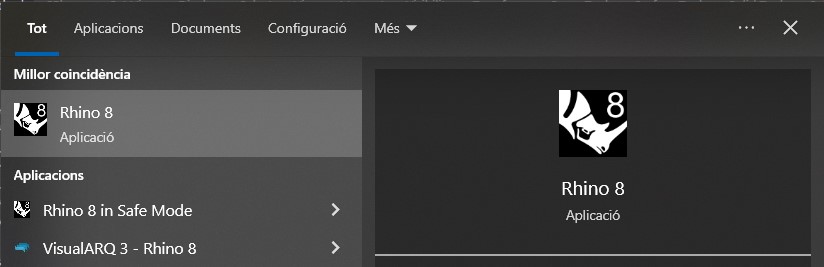
Open Rhino 8.
-
Open the Package Manager. Type
PackageManagerin the Rhino command line, or go to Tools → Package Manager.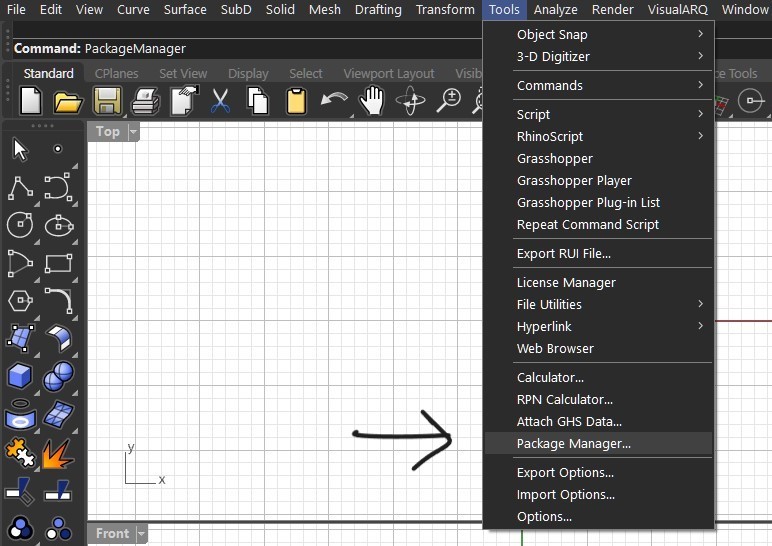
-
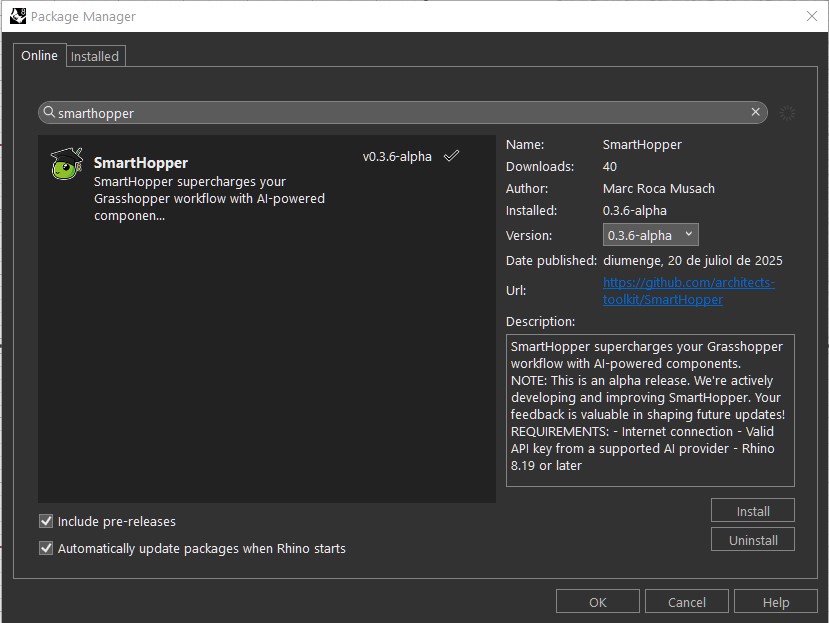
Search for "SmartHopper" and click Install. Check Include pre-releases if you want the latest experimental features.
-
Restart Rhino and open Grasshopper — SmartHopper components appear under the
SmartHoppercategory, and aSmartHopperentry appears in the Grasshopper menu bar.
Method 2 — Food4Rhino
-
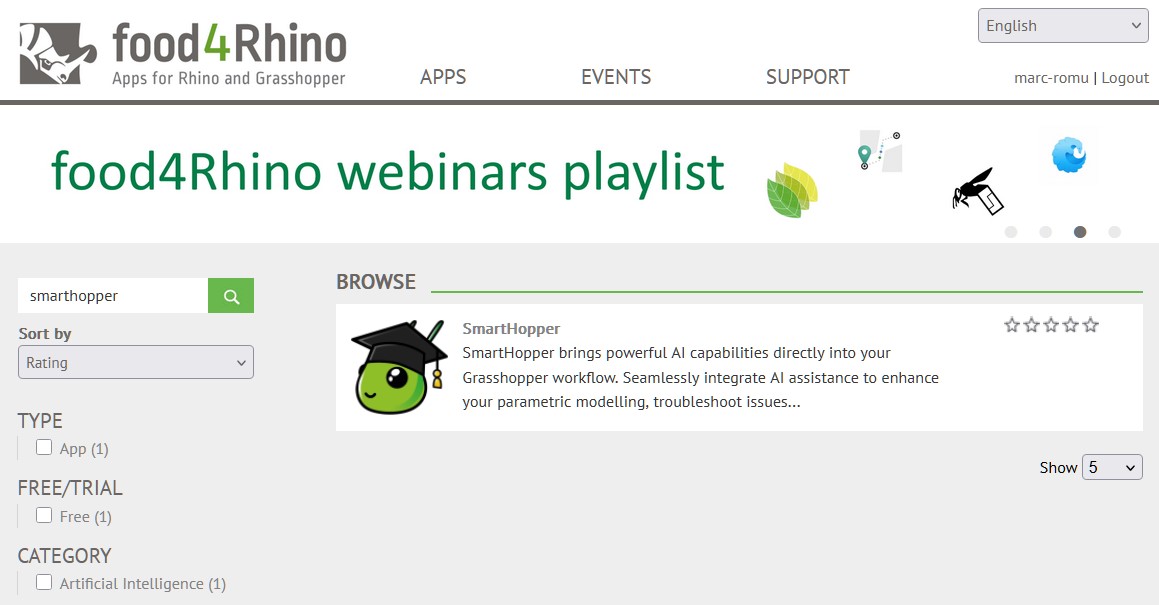
Go to the SmartHopper page on Food4Rhino and log in.
-
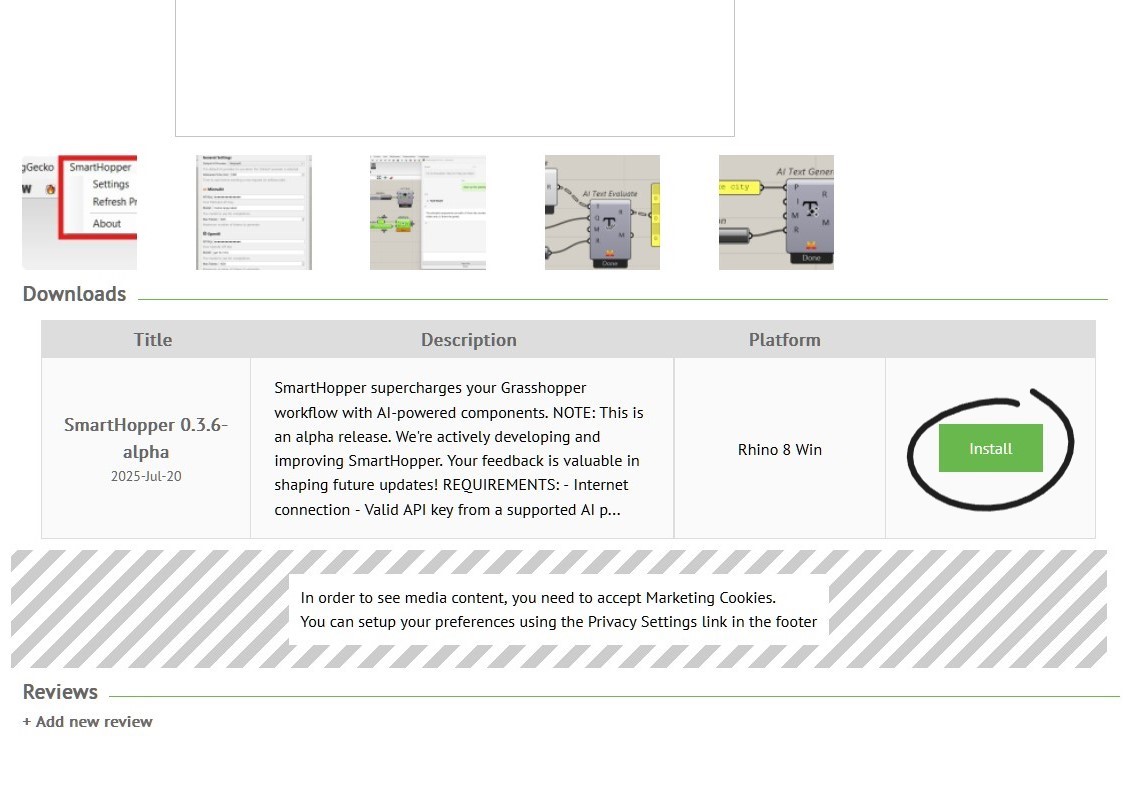
Scroll down and click Install. This opens the Rhino Package Manager and installs the plugin.
Method 3 — Manual installation (development builds)
Use this for pre-release builds published on GitHub.
-
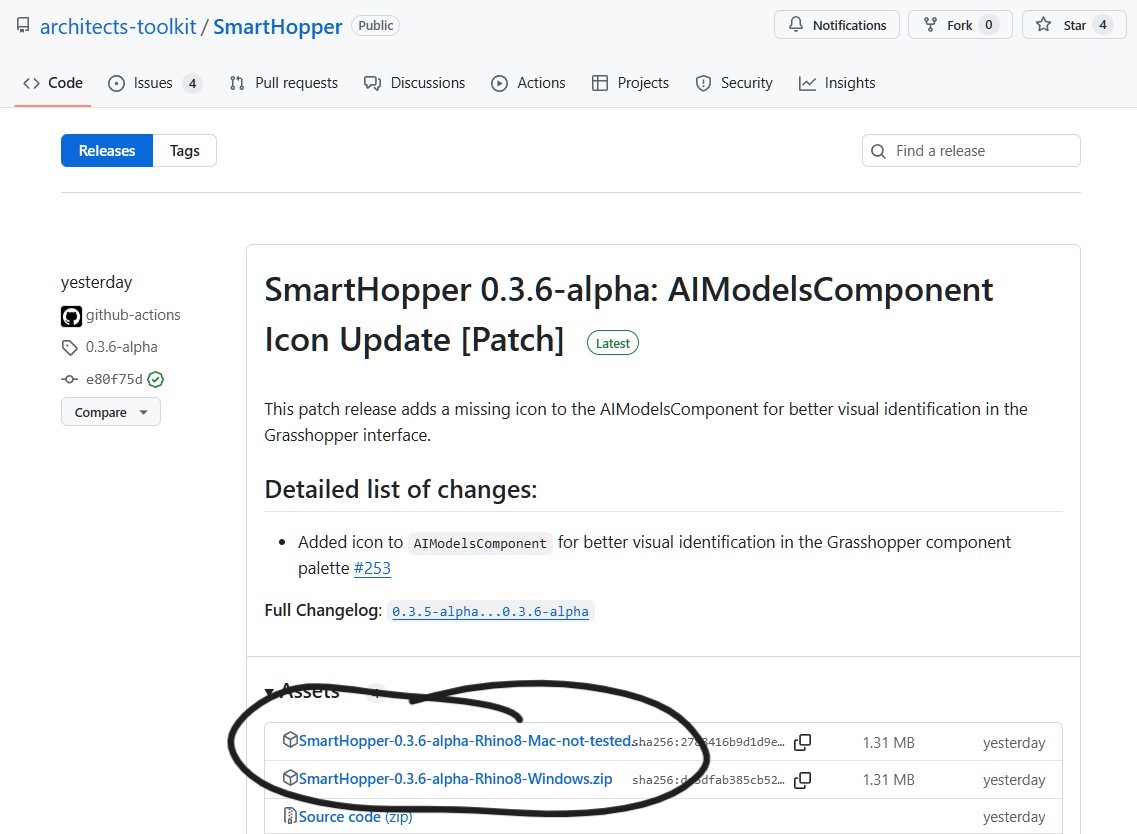
Download the latest ZIP for your platform from GitHub Releases.
-
Extract the ZIP into your Grasshopper components folder. Find it quickly from Grasshopper via File → Special Folders → Components Folder (usually
%APPDATA%\Grasshopper\Librarieson Windows).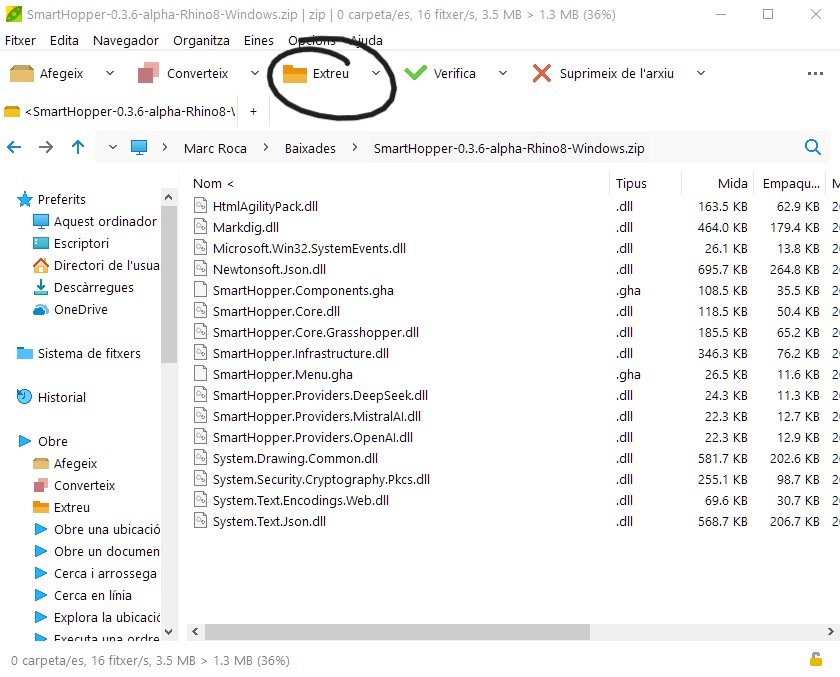
-
Unblock the files:
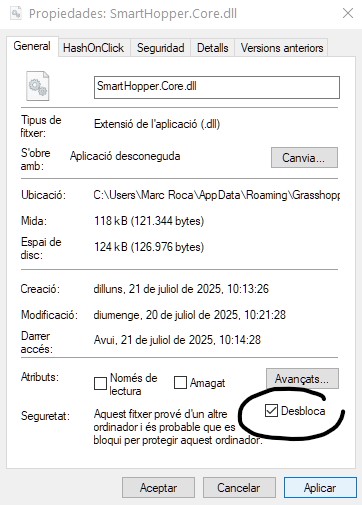
- Windows: files downloaded from the internet may be blocked. Right-click each file → Properties → check Unblock → OK.
- macOS: if Gatekeeper blocks the plugin, run
xattr -dr com.apple.quarantineon the components folder.
-
Restart Rhino.
Next steps
- Quick start — configure a provider and run your first component.
- SmartHopper menu — tour of the Grasshopper menu entries.
Troubleshooting
If SmartHopper does not appear in Grasshopper after install, see Troubleshooting — most cases are blocked files or a Rhino version mismatch.