Component Library
SmartHopper ships more than 90 Grasshopper components under the SmartHopper (SH) ribbon tab, organized into 10 panels (A. AI through J. Script).
Most AI workflows use the composable Input → Output pattern — Input components package your data, and Output components call the AI provider and return typed Grasshopper values — while dedicated panels provide one-step convenience components, canvas/GhJSON tools, forum and document readers, and JSON utilities.
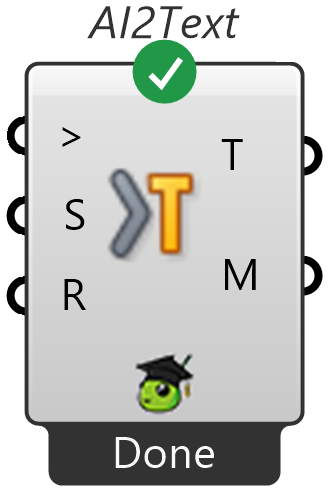
Anatomy of an AI component
- Provider badge — the icon strip at the bottom of the component shows which AI provider will run the call (plus model status badges when applicable).
Settings(S) input — optional. Wire a Settings component for full control (model, temperature, max tokens, batch mode, timeout, provider extras), or pass a model name directly as text. Leave disconnected to use the provider's defaults.Run?(R) input — set toTrue(or connect a Button) to run the component. By default, components withRunOnlyOnInputChanges = trueonly re-execute when an input changes whileRun?isTrue.Input >(>) parameter — the wire type that connects Input components to Output components. Multiple inputs wired into the same branch are combined into one AI request.Metrics(M) output — JSON usage metrics per output branch (provider, model, token counts, finish reason, completion time, and estimated cost). Wire into Deconstruct SmartHopper Metrics to inspect individual values.
Selecting a provider per component
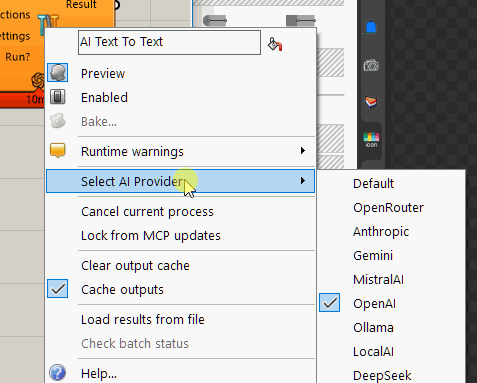
Right-click any AI component → Select AI Provider:
- Default — follows the global default provider from SmartHopper → Settings → General.
- Specific provider — pins this component to that provider (saved inside the
.ghfile).
The Input → Output pattern
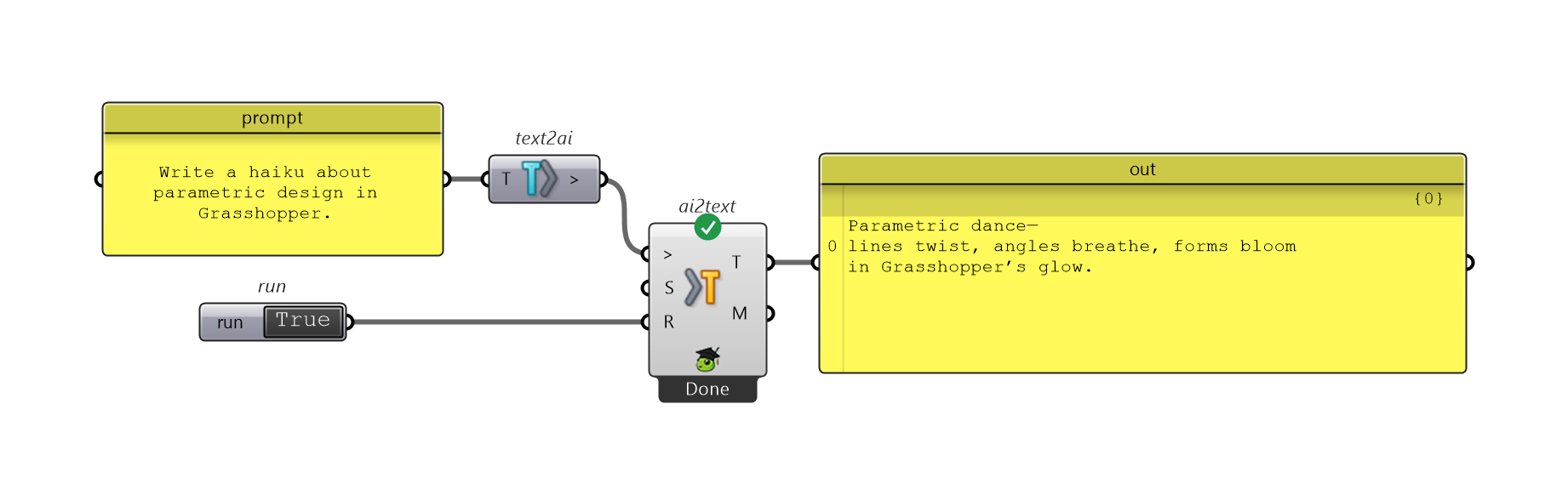
Any input component connects to any output component — wire File to AI into AI to Text to summarize a PDF, Image to AI + Text to AI into AI to Boolean to check a visual condition, or Text to AI into AI to Number to feed a numeric parameter directly into downstream Grasshopper components.
Ribbon panels & catalog pages
| Panel on ribbon | Catalog page | What's inside | Preview |
|---|---|---|---|
A. AI | AI, Settings & Runtime · MCP Server · Metrics | AI Chat, Settings, Extra Settings, AI Models, Context Providers, File Metadata, SmartHopper MCP Server, plus Metrics (Deconstruct/Combine SmartHopper Metrics) |  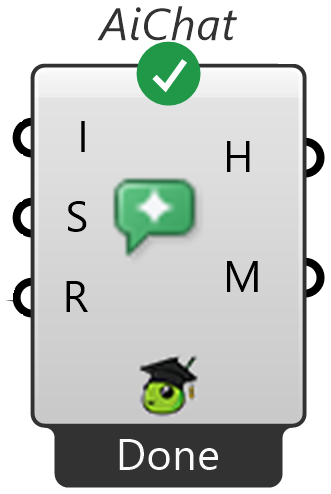  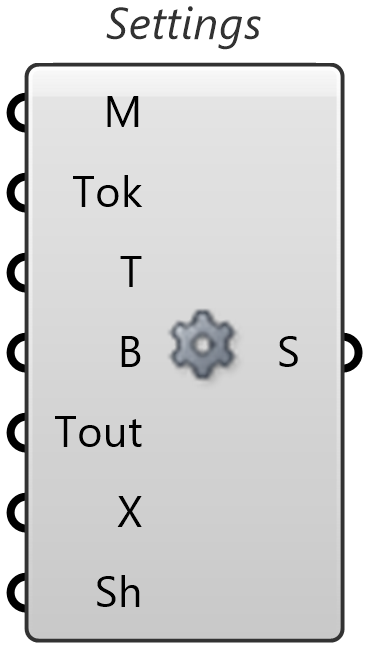 |
B. Input | Input | Package text, lists, numbers, integers, booleans, JSON, images, audio, files, web pages, canvas GhJSON, forum threads, system prompts, and context into Input > |  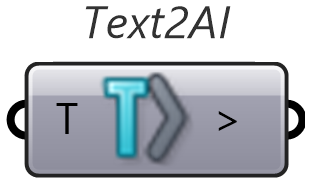  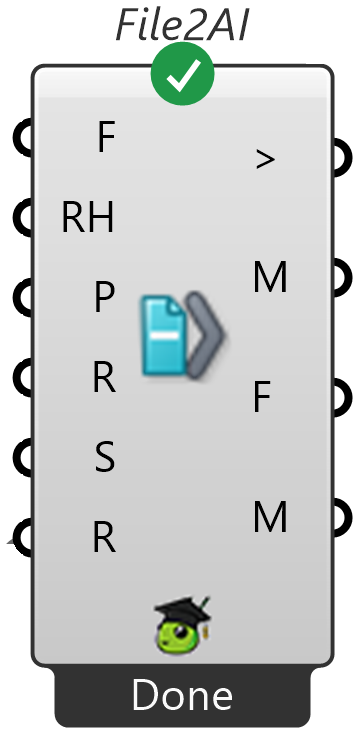 |
C. Output | Output | Call the AI and extract typed outputs: text, text lists, Markdown, numbers, integers, booleans, JSON, GhJSON, images, speech audio, or script code |  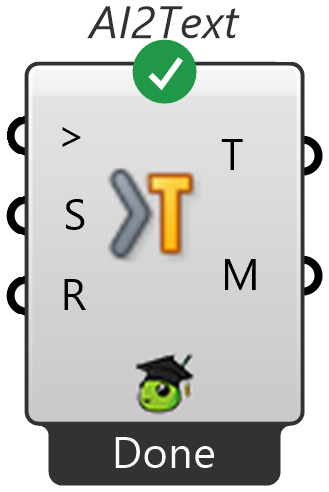  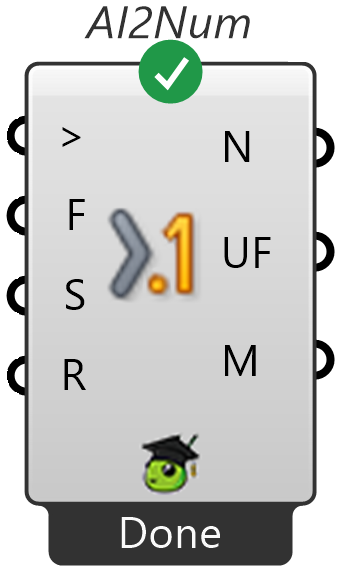 |
D. GhJSON | Canvas & GhJSON | Read, place, tidy, validate, diff, merge, and patch definitions (Get GhJSON, Place GhJSON, Tidy Up, AI Smart Connect, AI Canvas Report, .ghjson/.ghpatch file I/O) |       |
E. ForumsF. Documents | Forums & Documents | Search, read, open, deconstruct, and summarize McNeel, Ladybug Tools, and Discourse forum posts; convert local files and web pages to Markdown (File To Markdown, Web To Markdown) |  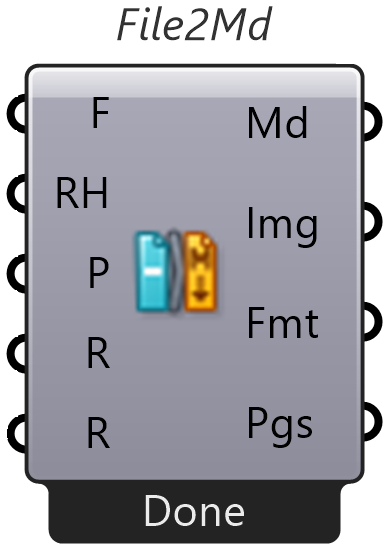  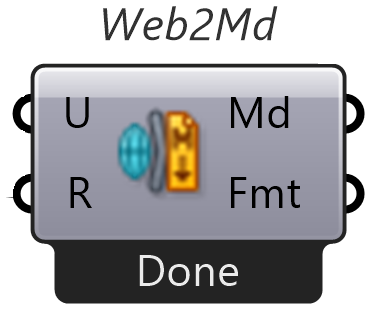 |
G. Media | Image & Audio | Generate and analyze images (AI Text To Image, AI Image To Text), preview/save media (Image Viewer, Audio Viewer), and capture canvas or Rhino viewports |  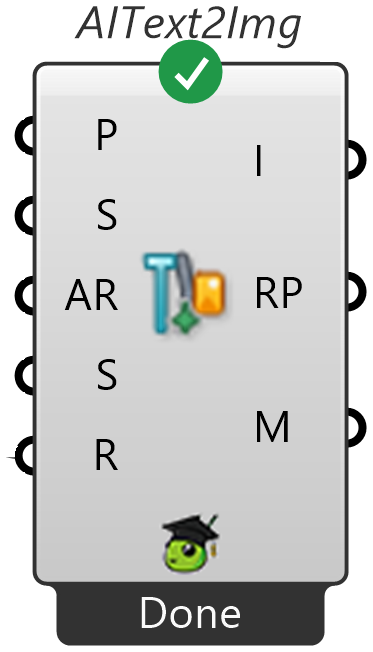   |
H. JSON | JSON | Build, query, modify, merge, sanitize, and schema-validate JSON objects and arrays |     |
I. Text & Lists | Text & Lists | One-step AI components for text, lists, booleans, and schema-validated JSON (AI Text To Text, AI Text To Text List, AI Text To Boolean, AI Text To JSON, AI List Filter, AI List To Boolean) |     |
J. Script | Script | Generate, edit in place, and review Grasshopper script components (AI Script Generate, AI Script Review) |  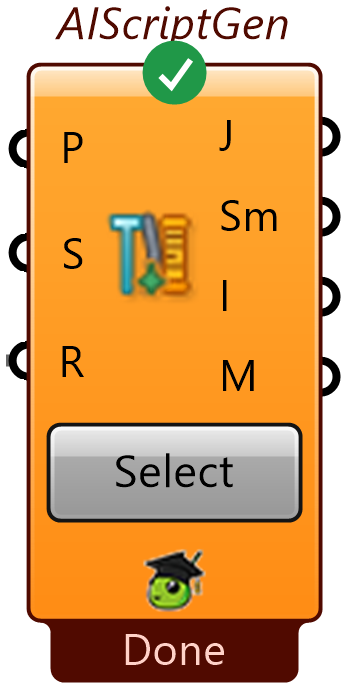  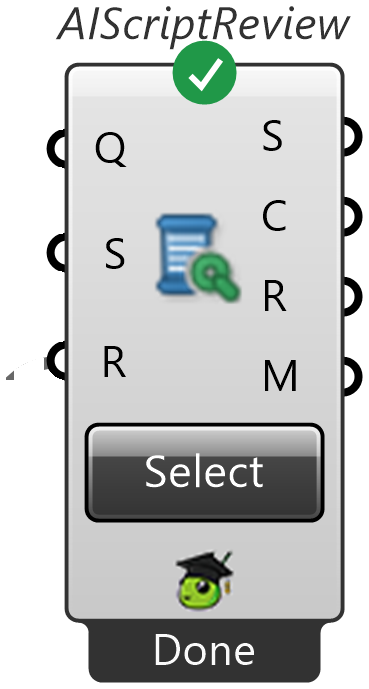 |
Looking for the tools that power the canvas assistant and MCP server? Browse the AI Tools Library, or watch the AI-powered components walkthrough.