Script Components
The components in SmartHopper → J. Script let you generate new Grasshopper script components from plain-language descriptions, update existing script components on your canvas, or review script code for bugs and API issues. They support Python 3, C#, VB.NET, and IronPython.
Components at a glance
| Icon | Component | Nickname | Ribbon panel | What it does | Preview |
|---|---|---|---|---|---|
 | AI Script Generate | AIScriptGen | J. Script | Generates a complete Grasshopper script component (inputs, outputs, access types, and code) or edits an existing script component selected on the canvas. | 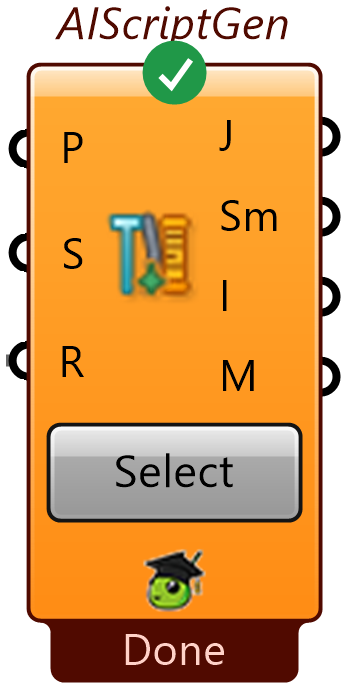 |
 | AI Script Review | AIScriptReview | J. Script | Checks selected script components on the canvas for bugs, RhinoCommon/Grasshopper API mistakes, and style or performance issues — without running the script. | 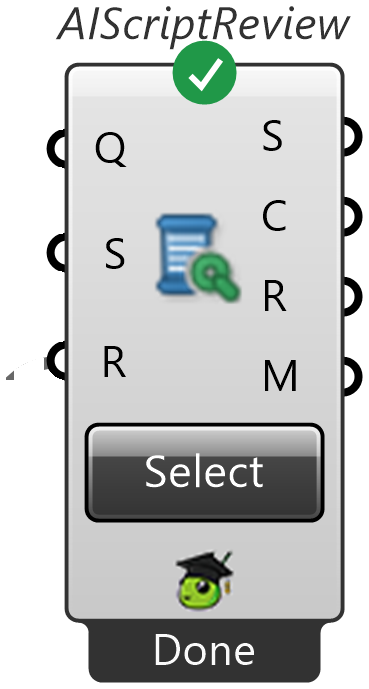 |
 | AI to Script | AI→Script | C. Output | Output component for the Input → Output pipeline that returns raw Python or C# script code as text. | 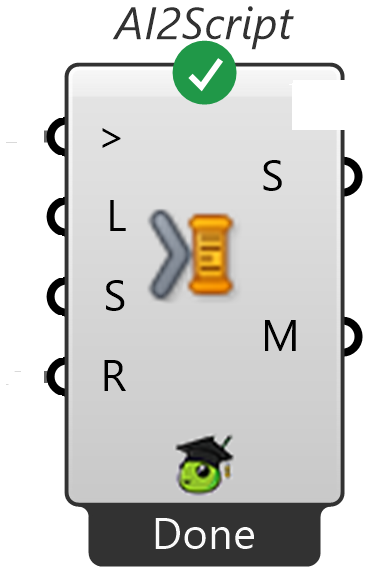 |
How to use them
Creating a new script component
- Drop AI Script Generate (
SmartHopper → J. Script) and Place GhJSON (SmartHopper → D. GhJSON) onto the canvas. - Connect a Panel with your instructions to AI Script Generate's
Promptinput — mention the language (such as Python or C#), what inputs the script needs, and what outputs it should produce. - Wire the
GhJSONoutput of AI Script Generate into theJSONinput of Place GhJSON. - Run AI Script Generate, then run Place GhJSON and approve the review dialog to place the ready-to-wire script component on your canvas.
Editing an existing script component on the canvas
AI Script Generate also works as an in-place editor when you select existing script components:
- Click the Select Components button on AI Script Generate and click the script component(s) on your canvas that you want to update.
- Describe the change you want in
Prompt(if you selected multiple script components, provide a matching list of prompts). - Wire
GhJSONinto Place GhJSON and run both components. Because the generated GhJSON preserves the original component'sinstanceGuid, Place GhJSON updates your existing script component in place while keeping its wires intact.
Reviewing a script for bugs and improvements
- Drop AI Script Review (
SmartHopper → J. Script) onto the canvas. - Click Select Components and pick one or more script components on the canvas.
- Optionally wire a specific question into
Question(for example, "Why does this fail when the input tree has empty branches?"). - Set
Run?toTrue. The component outputs both automatic static checks (Coded Issues) and a detailed explanation (AI Review).
Prefer a conversational workflow?
You can also ask the Canvas Assistant to write, place, debug, and iterate on script components directly from the chat window. See the step-by-step guide: Write a script with AI.