Forums & Documents Components
Pull external knowledge into your definition from community forums (SmartHopper → E. Forums) and local files or web pages (SmartHopper → F. Documents).
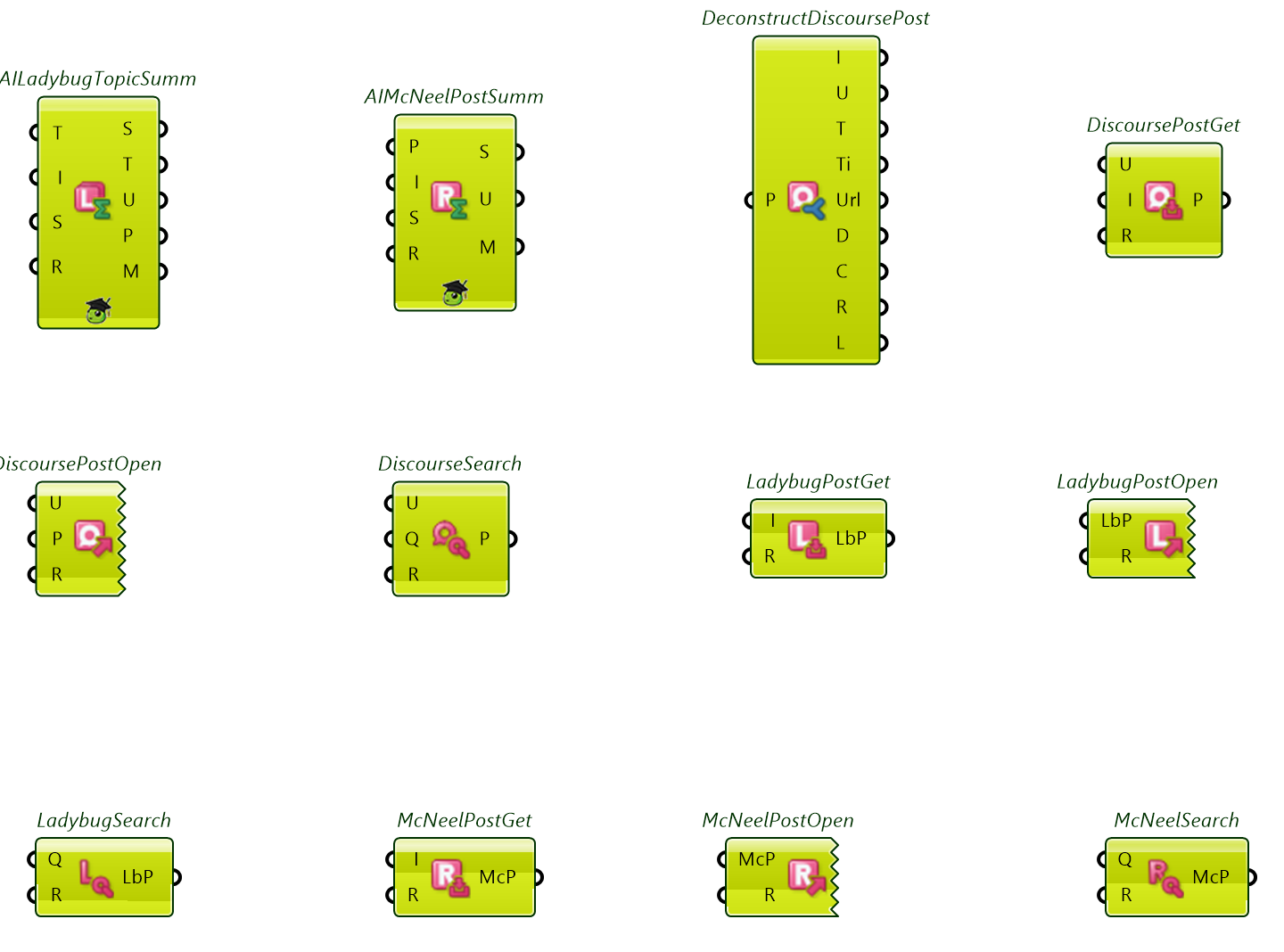
Forums (E. Forums)
SmartHopper includes dedicated components for the McNeel Discourse forum, the Ladybug Tools forum, and any Discourse forum (by passing its Base URL):
| Action | Icon | Components (Nickname) | Preview |
|---|---|---|---|
| Search posts |    | McNeelForum Search (McNeelSearch), LadybugForum Search (LadybugSearch), Discourse Search (DiscourseSearch) — search by Query and output matching post JSON objects. | 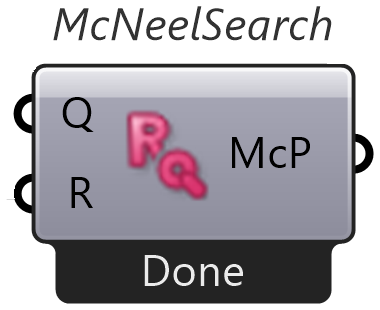 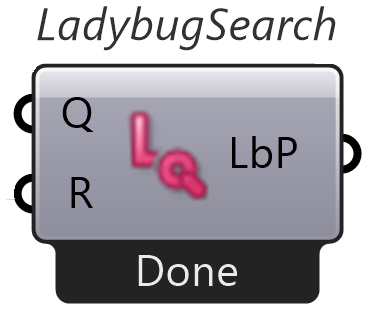 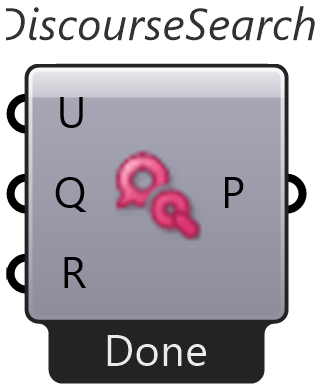 |
| Fetch a full post |    | McNeelForum Post Get (McNeelPostGet), LadybugForum Post Get (LadybugPostGet), Discourse Post Get (DiscoursePostGet) — fetch a full post JSON object by numeric Id. |    |
| Open in browser |    | McNeelForum Post Open (McNeelPostOpen), LadybugForum Post Open (LadybugPostOpen), Discourse Post Open (DiscoursePostOpen) — open a post JSON object in your default browser. |    |
| Deconstruct post JSON |  | Deconstruct Discourse Post (DeconstructDiscoursePost) — split any Discourse/McNeel/Ladybug post JSON into Id, Username, Topic Id, Topic Title, Post URL, Date, Content, Reads, and Likes. | 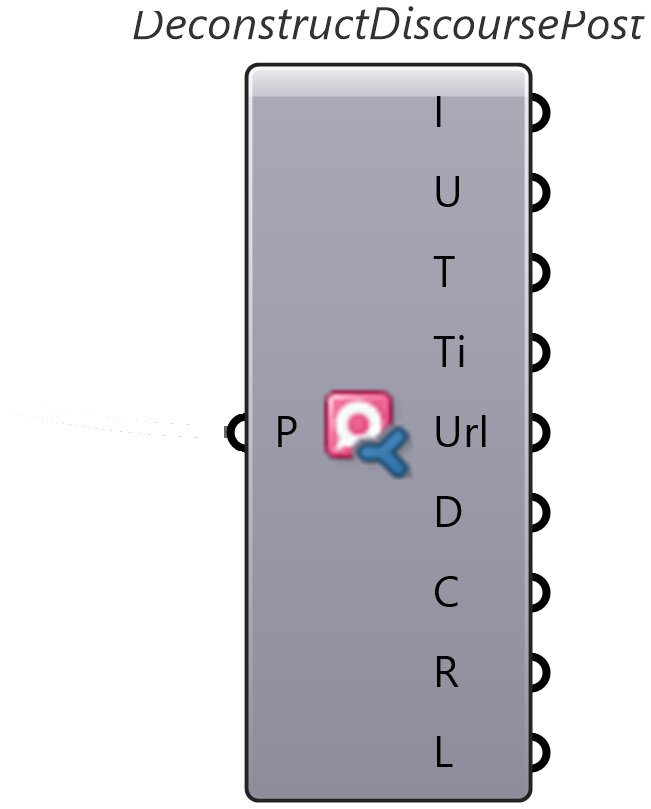 |
| AI summarize post |    | AI McNeelForum Post Summarize (AIMcNeelPostSumm), AI LadybugForum Post Summarize (AILadybugPostSumm), AI Discourse Post Summarize (AIDiscoursePostSumm) — summarize a single post by Post Id with optional focus Instructions. |  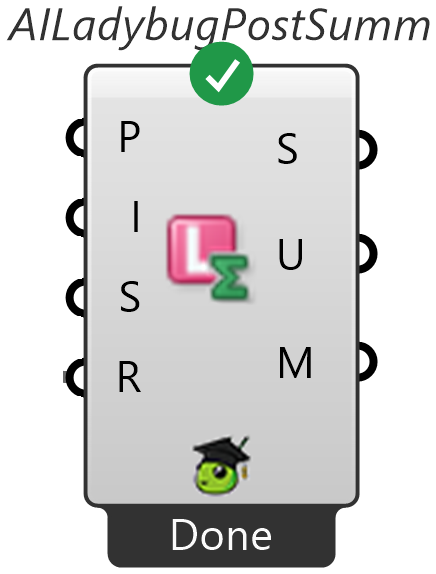 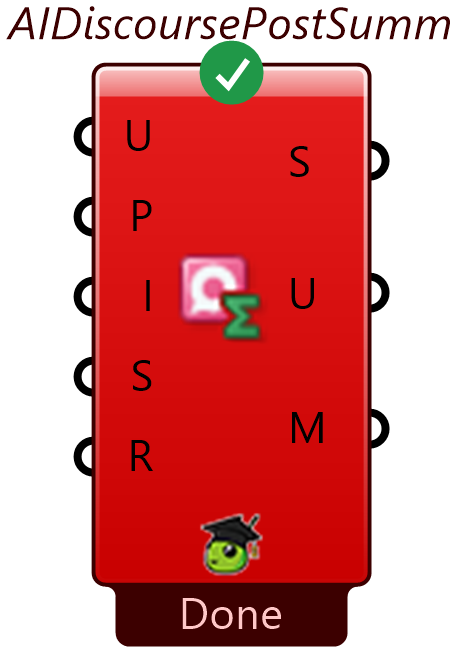 |
| AI summarize topic |    | AI McNeelForum Topic Summarize (AIMcNeelTopicSumm), AI LadybugForum Topic Summarize (AILadybugTopicSumm), AI Discourse Topic Summarize (AIDiscourseTopicSumm) — summarize an entire thread by Topic Id with optional focus Instructions. | 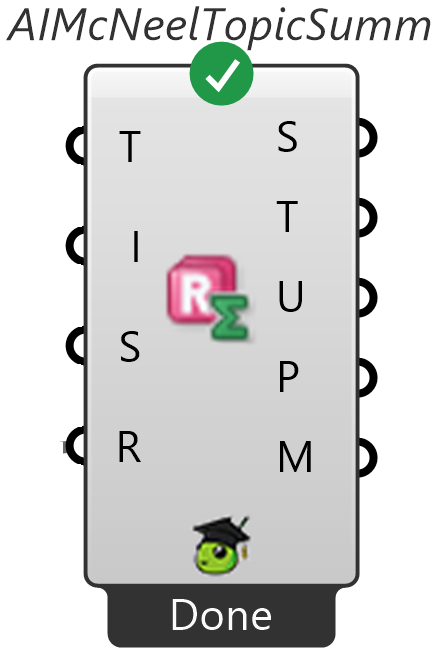 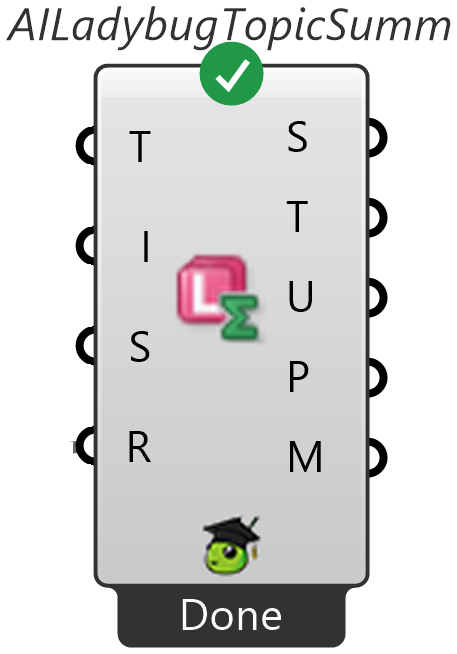 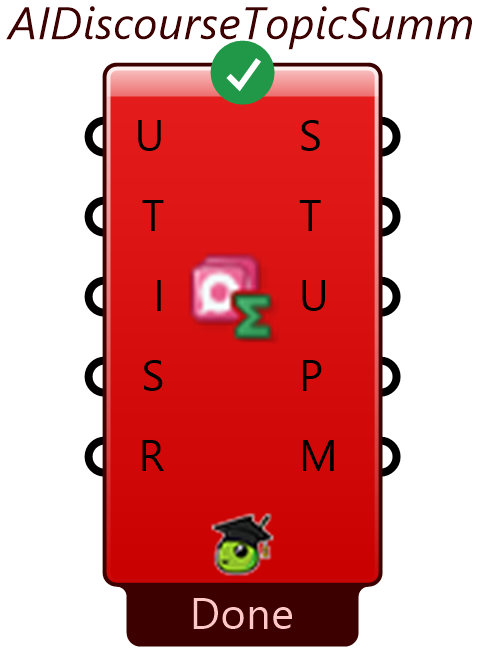 |
Typical workflow: Search posts by query → fetch a full post (or grab its Topic Id) → deconstruct the JSON into fields → open it in the browser for a quick look or summarize it with AI. The generic Discourse variants work on any forum — pass the forum's Base URL; the McNeel and Ladybug variants have it preconfigured. See the Search forums guide for a step-by-step canvas walkthrough.
Documents & web pages (F. Documents)
| Icon | Component | Nickname | What it does | Preview |
|---|---|---|---|---|
 | File To Markdown | File2Md | Convert local files (PDF, DOCX, XLSX, PPTX, HTML, CSV, JSON, XML, TXT, EML, EPUB, RTF…) to Markdown and extract embedded Images locally — no AI provider required. Also outputs the detected Format and Rendered Pages (Pgs, PDF sources). | 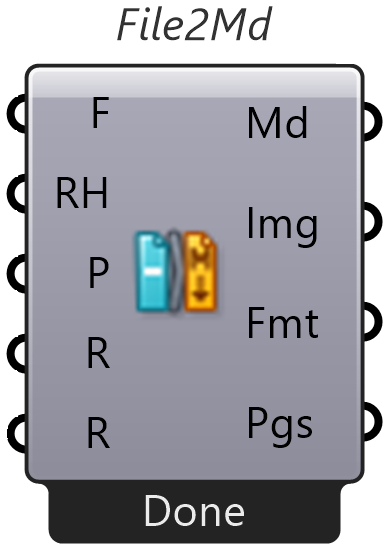 |
 | Web To Markdown | Web2Md | Fetch a URL and convert it to clean Markdown locally — no AI provider required. Includes dedicated extractors for Wikipedia/Wikimedia, GitHub/GitLab files, Discourse, and Stack Exchange, and respects robots.txt. | 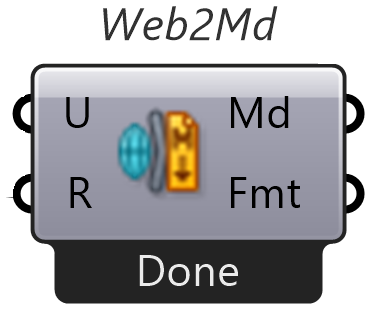 |
 | AI File To Markdown | AIFile2Md | Same local file conversion plus AI-generated visual evidence appended under labeled headings (requires an AI provider). | 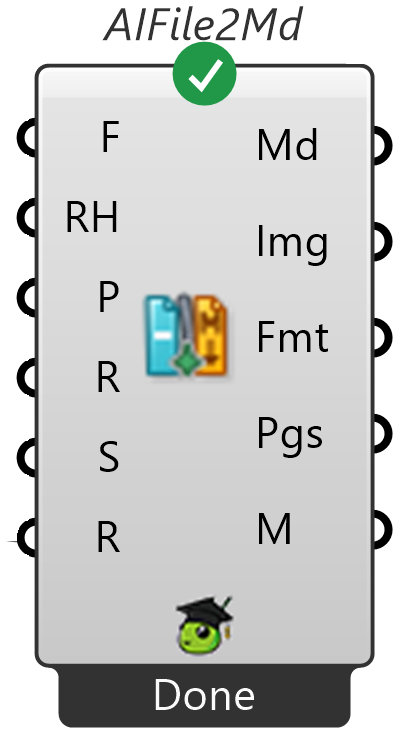 |
 | AI Web To Markdown | AIWeb2Md | Same web page conversion plus optional AI-powered image handling (Image Mode: link default, embed, describe, or caption). |  |
Example
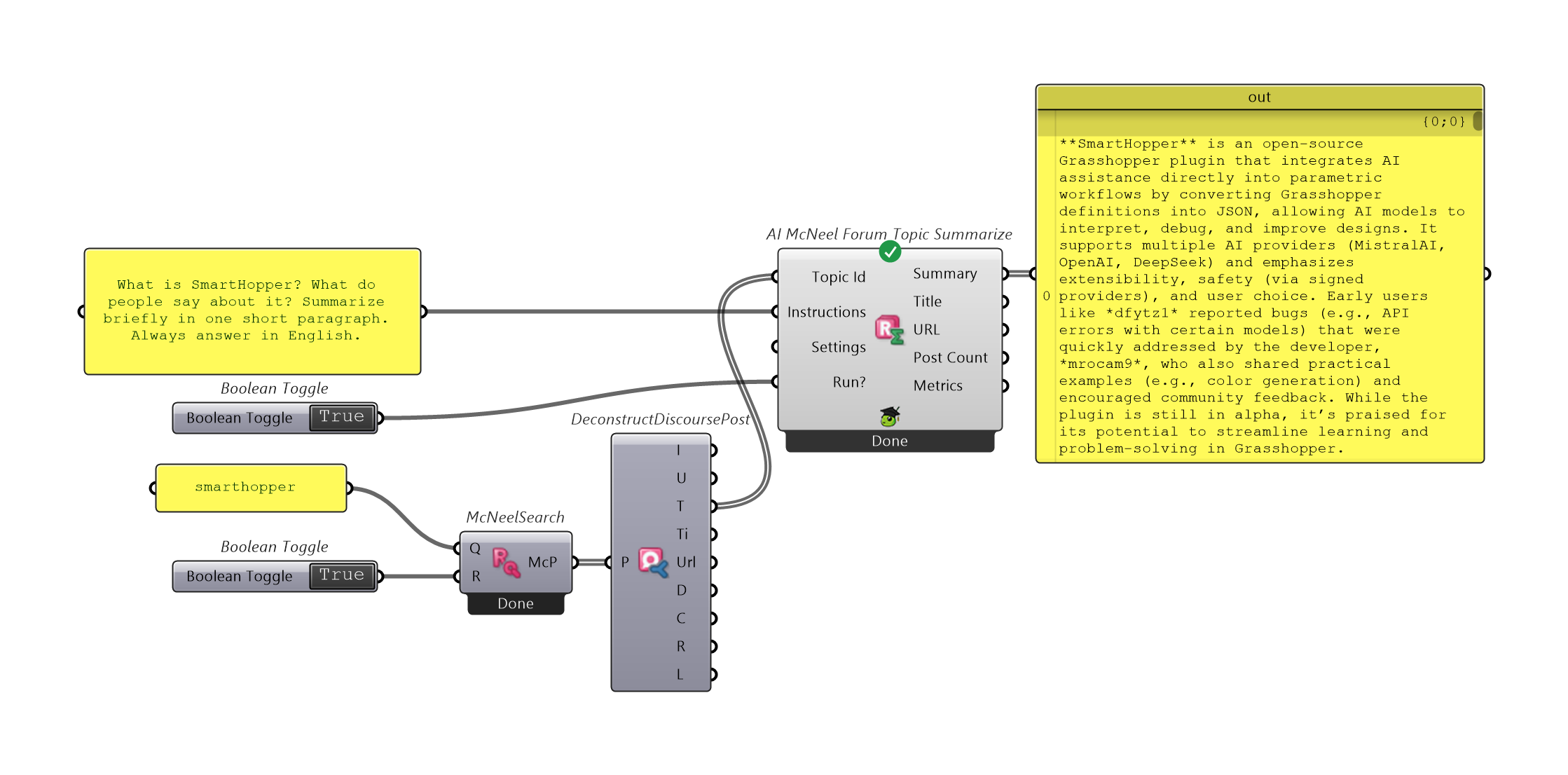
See also: Search forums and Open files & convert web pages to Markdown.