AI, Settings & Runtime Components
Components in the SmartHopper → A. AI ribbon panel configure AI requests, inspect available models and context providers, embed a conversational assistant on the canvas, or bridge your document to external clients.
Settings (Settings)
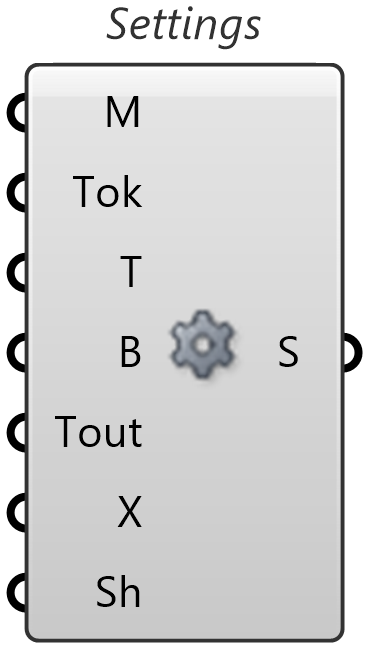
Bundles cross-provider AI request parameters into a single Settings (S) wire that connects to any AI-powered component.
| Parameter | Dir | Description |
|---|---|---|
Model (M) | In | Model name override. Leave empty to use the selected provider's default model. |
Max Tokens (Tok) | In | Maximum number of output tokens. Leave disconnected to use the provider's default limit. |
Temperature (T) | In | Sampling temperature (lower = more deterministic, higher = more creative). Leave disconnected for the provider default. |
Batch (B) | In | When True, queues all AI calls from a single component run into one asynchronous batch request (lower cost on providers that support batching). |
Timeout (Tout) | In | Request timeout in seconds. Leave disconnected to use the global timeout from SmartHopper settings. |
Extras (X) | In | Provider-specific options as a JSON object — wire the output of Extra Settings here. |
Share (Sh) | In | When True (default), identical units within a run share one generated result; when False, each occurrence generates independently. Local execution policy — never sent to the provider. |
Settings (S) | Out | Configured AI request settings. Connect to any AI component's Settings (S) input. |
If you only want to override the model name, you don't need a Settings component — wire a plain text Panel with the model name directly into any AI component's Settings (S) input.
Extra Settings (Extras)
Builds a JSON object of provider-specific request options for the Extras (X) input on Settings. Right-click the component and choose Select AI Provider — its input parameters rebuild dynamically to show only the options supported by that provider (such as reasoning effort, service tier, or caching).
| Provider | Extra Settings inputs |
|---|---|
| Anthropic | 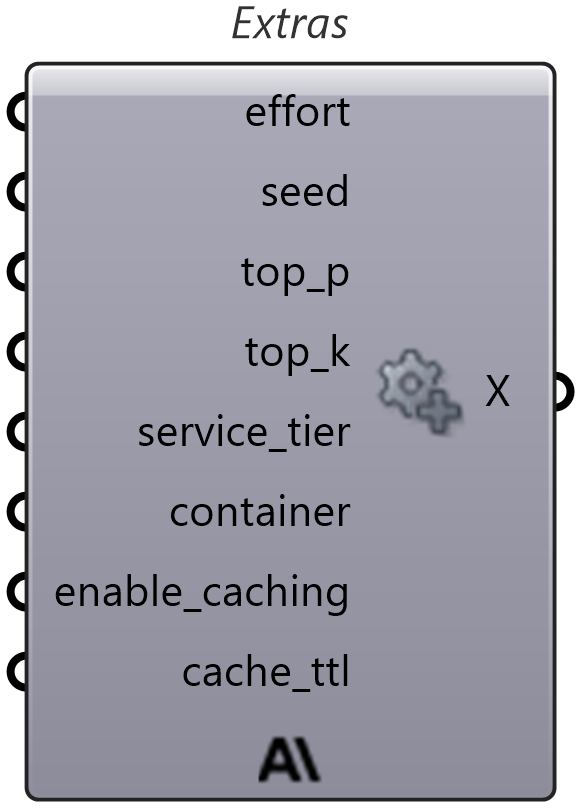 |
| DeepSeek | 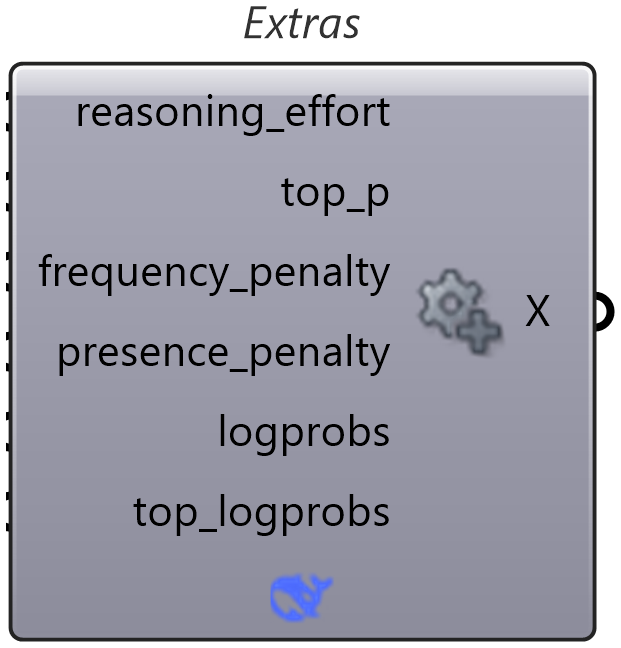 |
| Gemini | 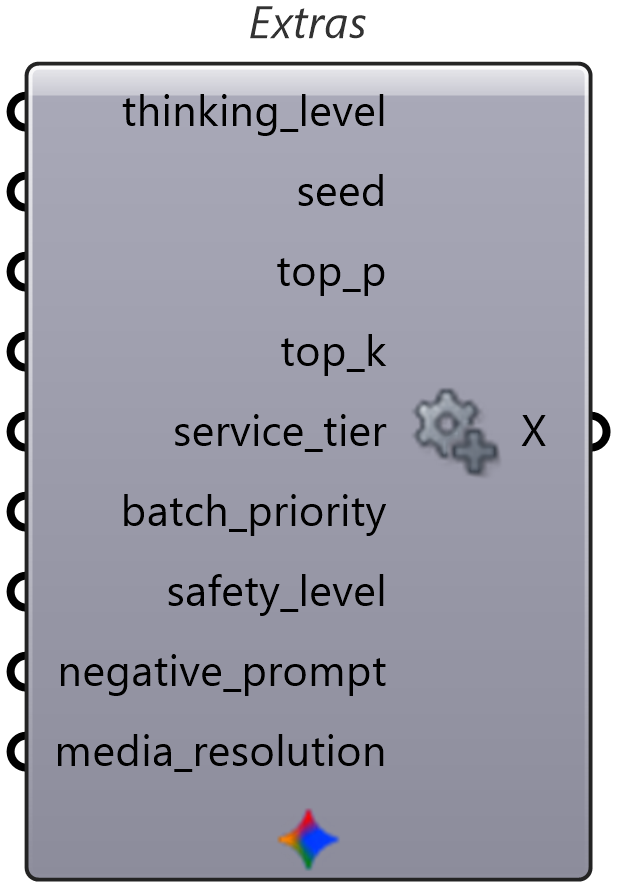 |
| LocalAI | 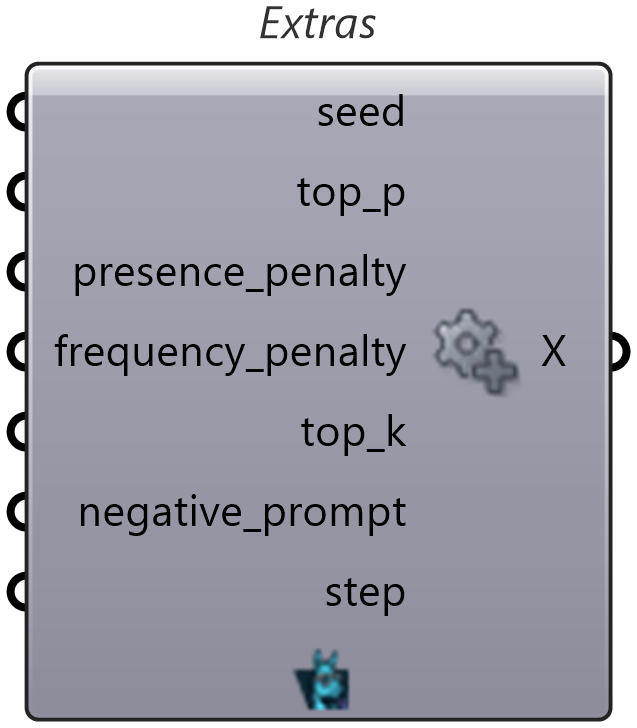 |
| MistralAI | 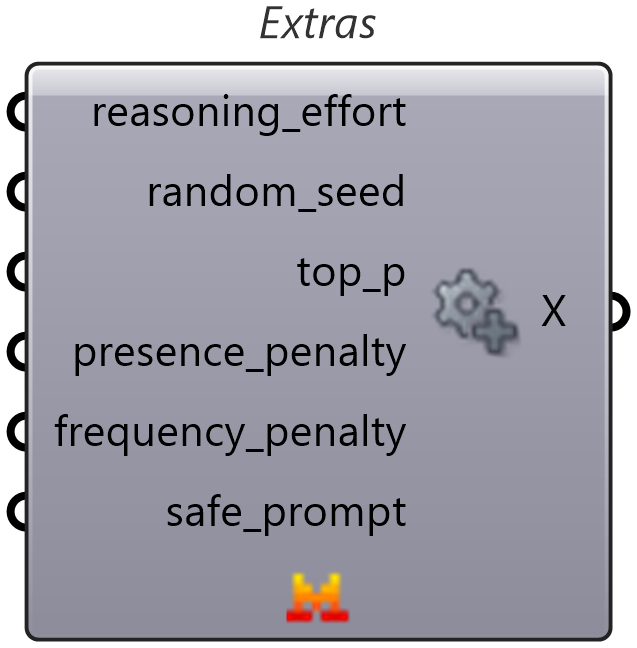 |
| Ollama | 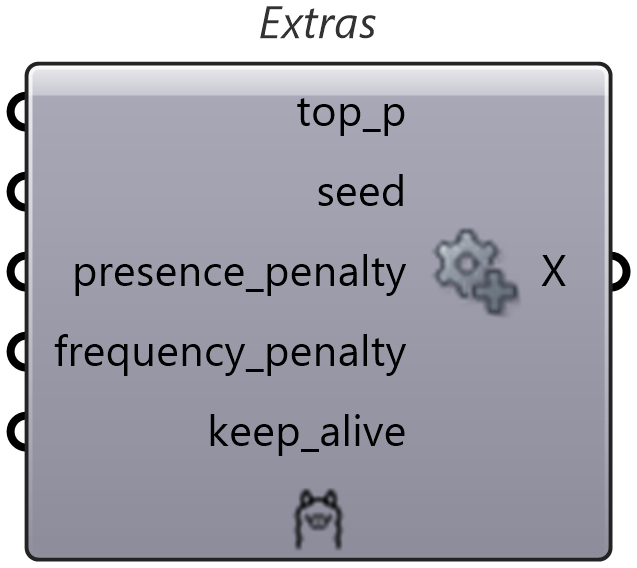 |
| OpenAI | 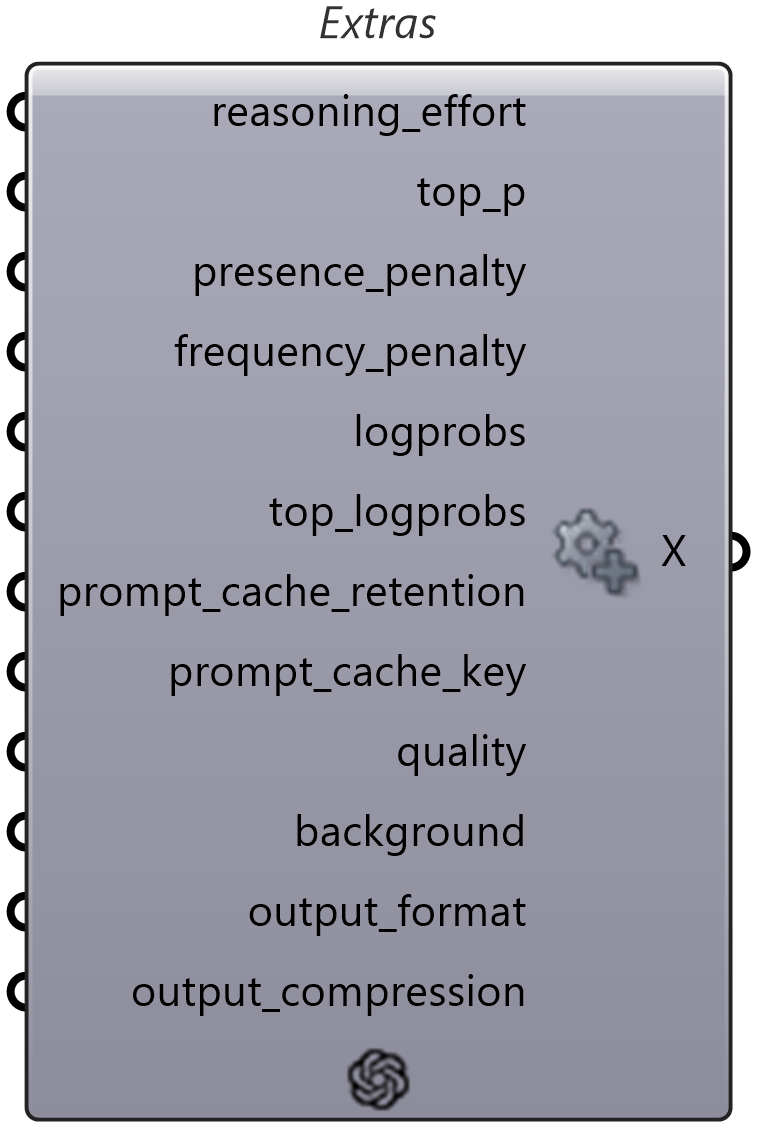 |
| OpenRouter | 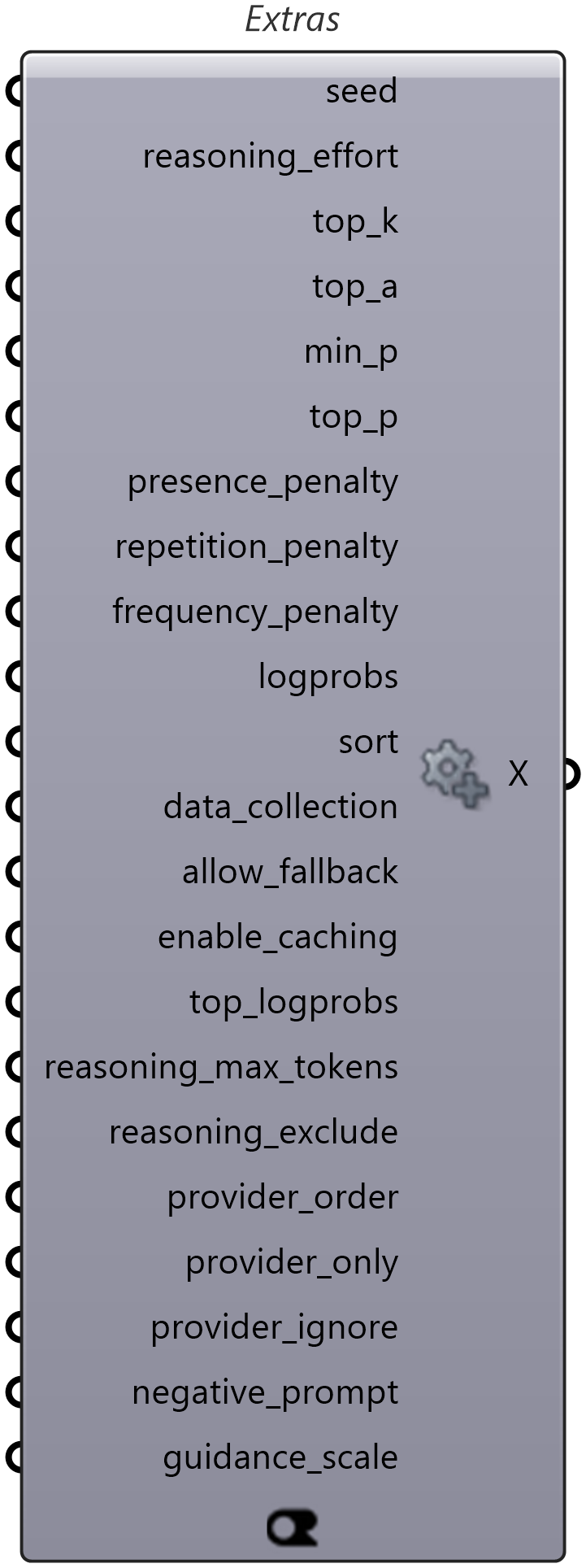 |
AI Models (AIModels)
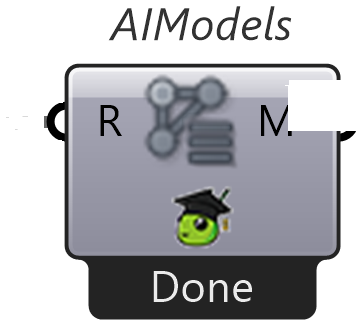
Lists the available model names for the selected provider (Models output). Right-click the component to select which provider to query, and set Run? (R) to True to refresh the list.
AI Chat (AiChat)
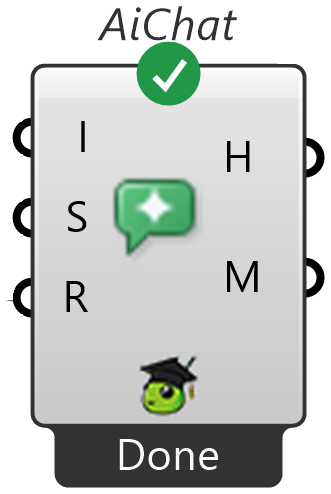
Embeds an interactive AI chat session directly on the canvas (Instructions and Settings in → Chat History and Metrics out), with full access to SmartHopper's canvas and knowledge tools. Conversation state is saved inside the .gh file. See the dedicated page: AI Chat component.
File Metadata (FileMeta) & Context Providers (CxtProviders)
| Icon | Component | Nickname | What it does | Preview |
|---|---|---|---|---|
 | File Metadata | FileMeta | Sets metadata for the current Grasshopper file (Title, Description, Version, Author, Tags). The assistant and AI components read this context automatically, and Get GhJSON exports it when Include Metadata is enabled. | 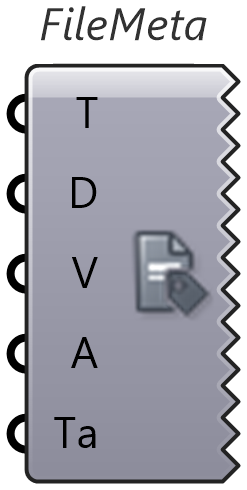 |
 | Context Providers | CxtProviders | Outputs the list of registered AI context provider IDs (time, file, environment, selection, viewport, file-metadata, etc.) that can be queried with the AIContext input component. |  |
MCP Server
| Icon | Component | Nickname | What it does | Preview |
|---|---|---|---|---|
 | SmartHopper MCP Server | MCP | Starts a local HTTP Model Context Protocol server so external clients (Claude Desktop, Cursor, VS Code, Claude Code) can use SmartHopper's tools. → MCP Server component | 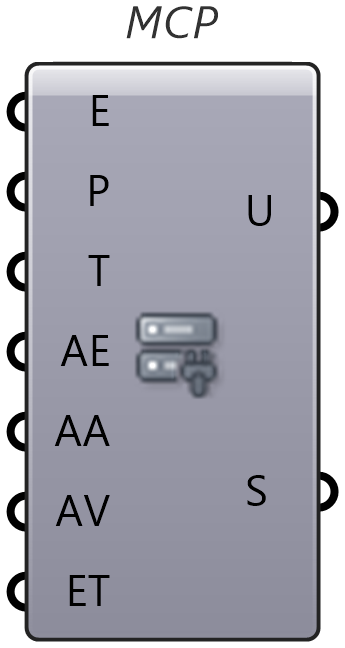 |